Skip unwanted scenes.
Read the content guide, choose which scenes to skip or mute, and watch in MuviSafe.
Interactive example
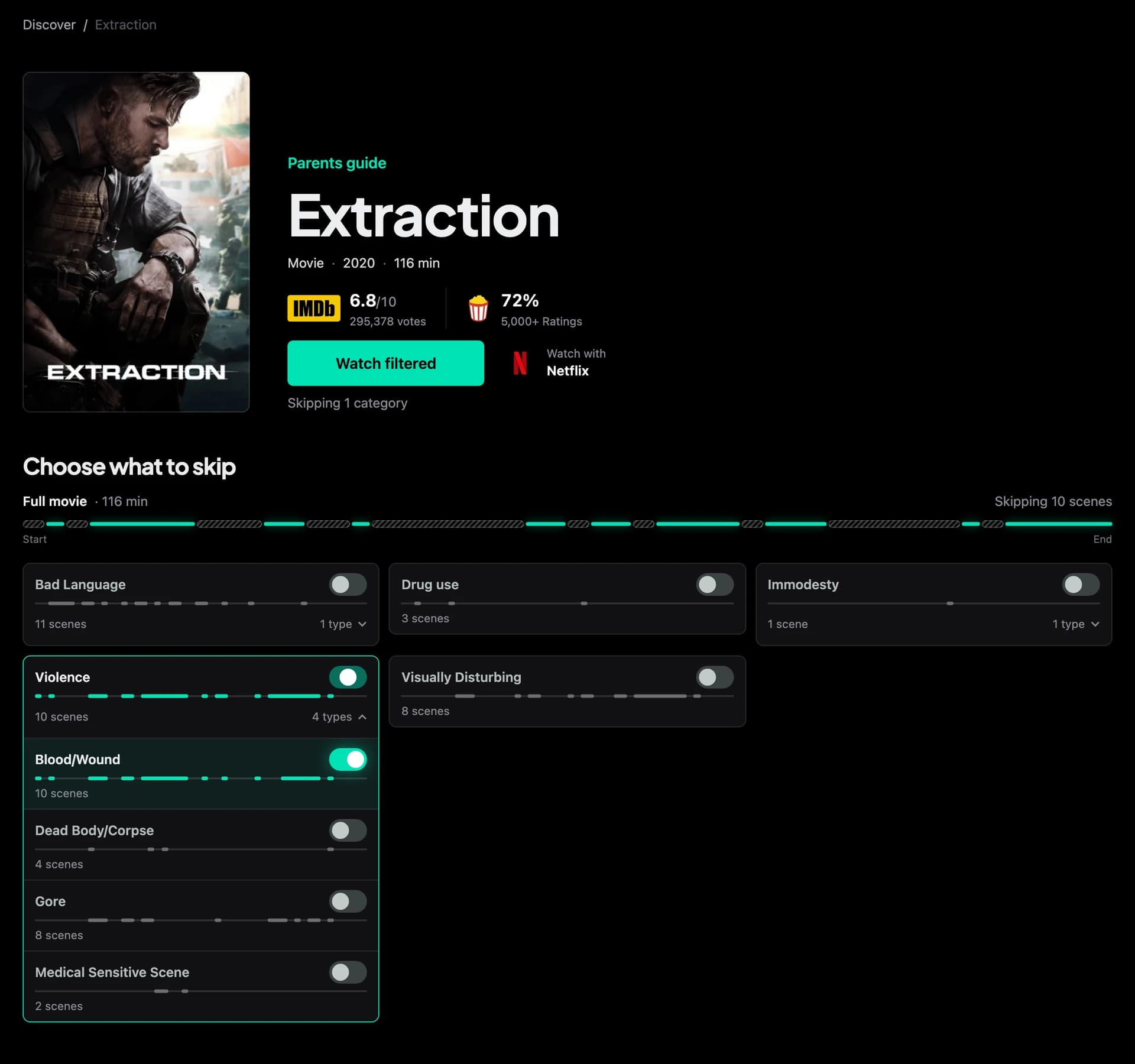
Choose what to skip
Skipping violence. Everything else plays.
Example timeline. Available filters vary by title.
Read the content guide, choose which scenes to skip or mute, and watch in MuviSafe.
Interactive example
Choose what to skip
Skipping violence. Everything else plays.
Example timeline. Available filters vary by title.
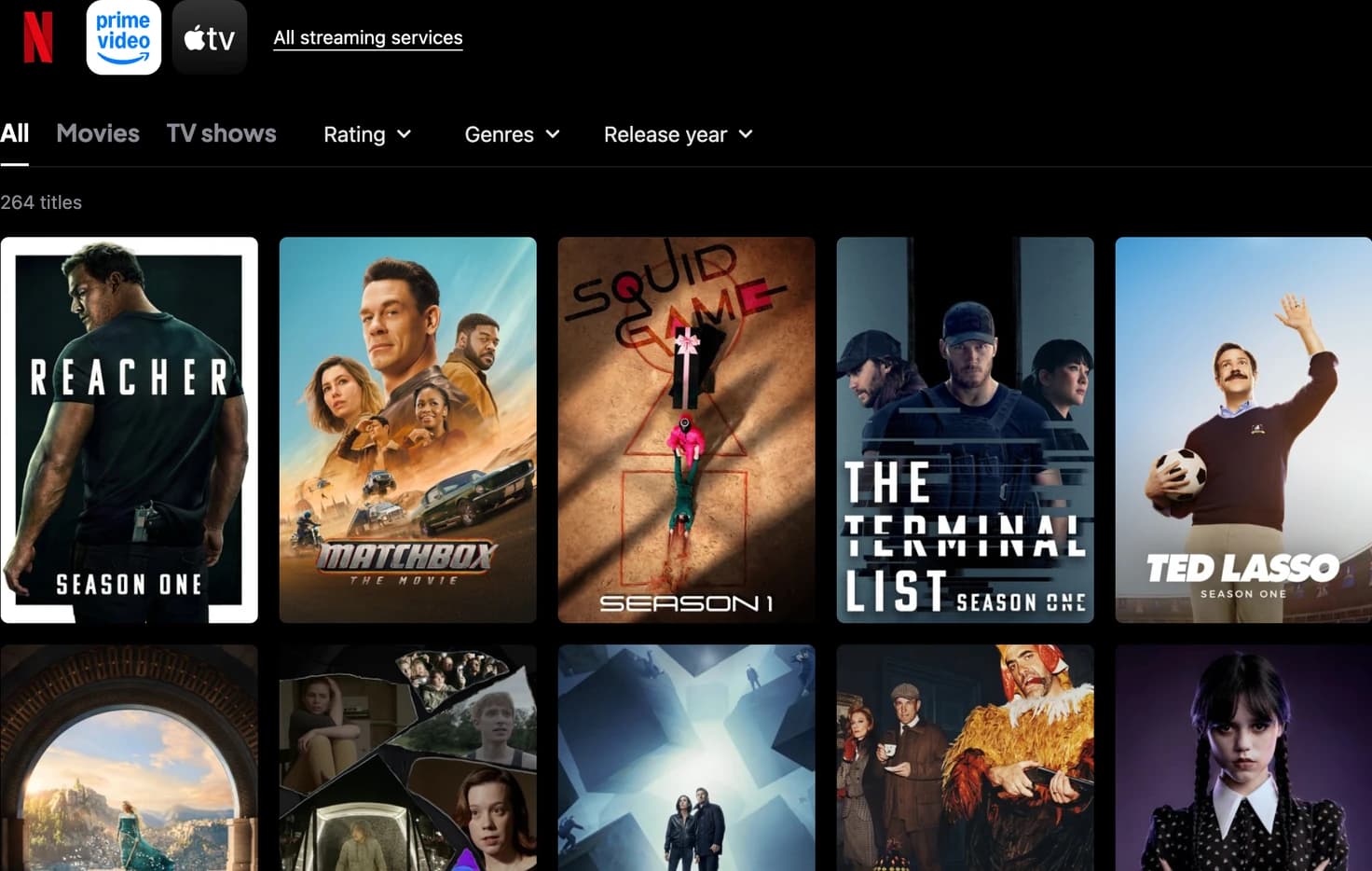
Open a movie or TV show in Discover. If you choose a show, select an episode. Check that filtering is supported for your streaming service.
Select the scenes you want to skip, then choose Watch filtered. Sign in or create your MuviSafe account to continue.
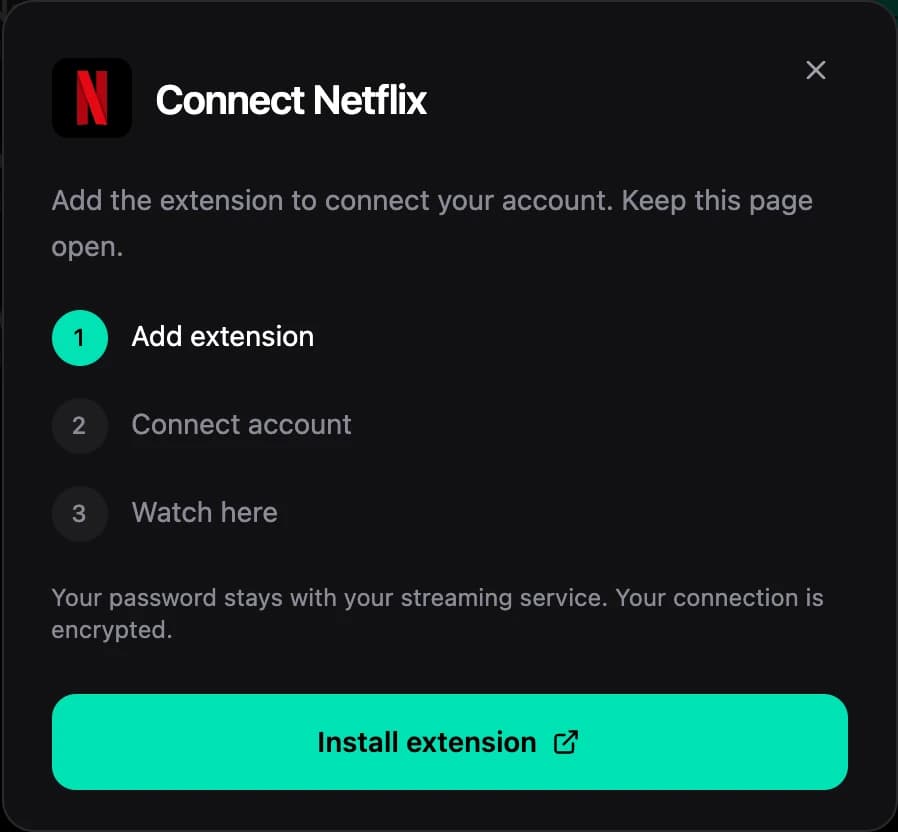
Follow the steps to connect your Netflix, Prime Video or Apple TV account. Use Chrome on a computer for the first connection. Install or update the MuviSafe extension when prompted, then sign in to your streaming account.
Return to your selected title and watch in the MuviSafe player. Use the gear to change scene filters and the speech bubble for audio and subtitles. If your connection expires, follow the prompt to reconnect.
Netflix, Prime Video and Apple TV support filtered playback in MuviSafe. You need your own streaming account and access to the selected title in your region. Disney+ and HBO Max filtering are coming soon.
Use the latest version of Chrome on a computer to connect your account and watch. The extension connects your streaming account so you can watch in the MuviSafe player. To try another device, sign in to the same MuviSafe account. Playback depends on your browser’s support for protected video. Phone, tablet and TV browsers may not work. Join the waitlist for Android, Android TV and iOS apps.
A movie or TV show may have a guide without filtering support. Check the available filters for your streaming service and selected movie or episode. MuviSafe does not give you access to content outside your subscription or region. Filters can miss some scenes you want to skip.


